{ function getImages(){ var scripts=document.getElementsByTagName("script"),urls=[]; for(var i=0;i<scripts.length;i++){ var text=scripts[i].textContent; if(text.includes("googleusercontent.com/docsz/")){ var matches=text.match(/"https:\/\/[^"]*googleusercontent\.com\/docsz\/[^"]*"/g); matches&&(urls=urls.concat(matches.map(m=>JSON.parse(m)))); } } return urls; } function downloadSingle(url,filename){ fetch(url).then(r=>r.blob()).then(blob=>{ const a=document.createElement("a"); a.href=URL.createObjectURL(blob); a.download=filename; a.click(); URL.revokeObjectURL(a.href); }).catch(e=>console.error("Error:",e)); } function showModal(images){ var overlay=document.createElement("div"); overlay.style.cssText="position:fixed;top:0;left:0;width:100%;height:100%;background:rgba(0,0,0,0.5);z-index:9999;"; var modal=document.createElement("div"); modal.style.cssText="position:fixed;top:50%;left:50%;transform:translate(-50%,-50%);background:#fff;padding:20px;border-radius:5px;box-shadow:0 2px 10px rgba(0,0,0,0.1);z-index:10000;max-width:80%;max-height:80%;overflow-y:auto;display:flex;flex-direction:column;"; var closeBtn=document.createElement("button"); closeBtn.textContent="Close"; closeBtn.style.cssText="position:absolute;top:10px;right:10px;padding:5px 10px;background:#f1f1f1;border:none;border-radius:3px;cursor:pointer;"; closeBtn.onclick=()=>{document.body.removeChild(overlay);document.body.removeChild(modal);}; var title=document.createElement("h2"); title.textContent="Google Doc Images ("+images.length+" found)"; var zipBtn=document.createElement("button"); zipBtn.textContent="Download All as ZIP"; zipBtn.style.cssText="background:#1a73e8;color:#fff;padding:10px 20px;border:none;border-radius:4px;cursor:pointer;font-weight:bold;margin:10px 0;"; zipBtn.onclick=async function(){ zipBtn.textContent="Preparing ZIP..."; zipBtn.disabled=true; var script=document.createElement("script"); script.src="https://cdnjs.cloudflare.com/ajax/libs/jszip/3.10.1/jszip.min.js"; script.onload=async function(){ var zip=new JSZip(); for(var i=0;i<images.length;i++){ try{ zipBtn.textContent="Downloading "+(i+1)+"/"+images.length+"..."; var response=await fetch(images[i]); var blob=await response.blob(); var ext=blob.type.includes("png")?"png":"jpg"; zip.file("image-"+(i+1)+"."+ext,blob); }catch(e){console.log("Skipped:",images[i]);} } zipBtn.textContent="Creating ZIP..."; var content=await zip.generateAsync({type:"blob"}); var a=document.createElement("a"); a.href=URL.createObjectURL(content); a.download="seo-saijo-google-doc-images.zip"; a.click(); URL.revokeObjectURL(a.href); zipBtn.textContent="Download All as ZIP"; zipBtn.disabled=false; }; document.head.appendChild(script); }; var container=document.createElement("div"); container.style.cssText="flex-grow:1;overflow-y:auto;"; images.forEach((url,i)=>{ var item=document.createElement("div"); item.style.cssText="margin-bottom:20px;padding-bottom:20px;border-bottom:1px solid #eee;"; var heading=document.createElement("h3"); heading.textContent="Image "+(i+1); heading.style.marginBottom="10px"; var viewLink=document.createElement("a"); viewLink.href=url; viewLink.target="_blank"; viewLink.textContent="View Image"; viewLink.style.cssText="margin-right:10px;color:#1a73e8;text-decoration:none;"; var dlBtn=document.createElement("button"); dlBtn.textContent="Download"; dlBtn.style.cssText="background:#34A853;color:#fff;padding:6px 12px;border-radius:4px;border:none;font-weight:bold;cursor:pointer;"; dlBtn.onclick=()=>downloadSingle(url,"image-"+(i+1)+".jpg"); var img=document.createElement("img"); img.src=url; img.style.cssText="max-width:250px;height:auto;display:block;margin-top:10px;border-radius:4px;"; item.appendChild(heading); item.appendChild(viewLink); item.appendChild(dlBtn); item.appendChild(img); container.appendChild(item); }); var footer=document.createElement("div"); footer.style.cssText="display:flex;justify-content:space-between;align-items:center;padding-top:10px;border-top:1px solid #ccc;margin-top:20px;font-size:9px;color:#666;"; var leftDiv=document.createElement("div"); leftDiv.appendChild(document.createTextNode("by: ")); var authorLink=document.createElement("a"); authorLink.href="https://saijogeorge.com/"; authorLink.target="_blank"; authorLink.style.cssText="color:#1a73e8;text-decoration:none;"; authorLink.textContent="Saijo George"; leftDiv.appendChild(authorLink); var rightDiv=document.createElement("div"); rightDiv.appendChild(document.createTextNode("v1.2 (")); var updateLink=document.createElement("a"); updateLink.href="https://saijogeorge.com/download-google-doc-images/"; updateLink.target="_blank"; updateLink.style.cssText="color:#1a73e8;text-decoration:none;"; updateLink.textContent="check for updates"; rightDiv.appendChild(updateLink); rightDiv.appendChild(document.createTextNode(")")); footer.appendChild(leftDiv); footer.appendChild(rightDiv); modal.appendChild(closeBtn); modal.appendChild(title); modal.appendChild(zipBtn); modal.appendChild(container); modal.appendChild(footer); document.body.appendChild(overlay); document.body.appendChild(modal); } var images=getImages(); images.length===0?alert("No images found in this Google Doc."):showModal(images); })();)
Why extract images from Google Docs?
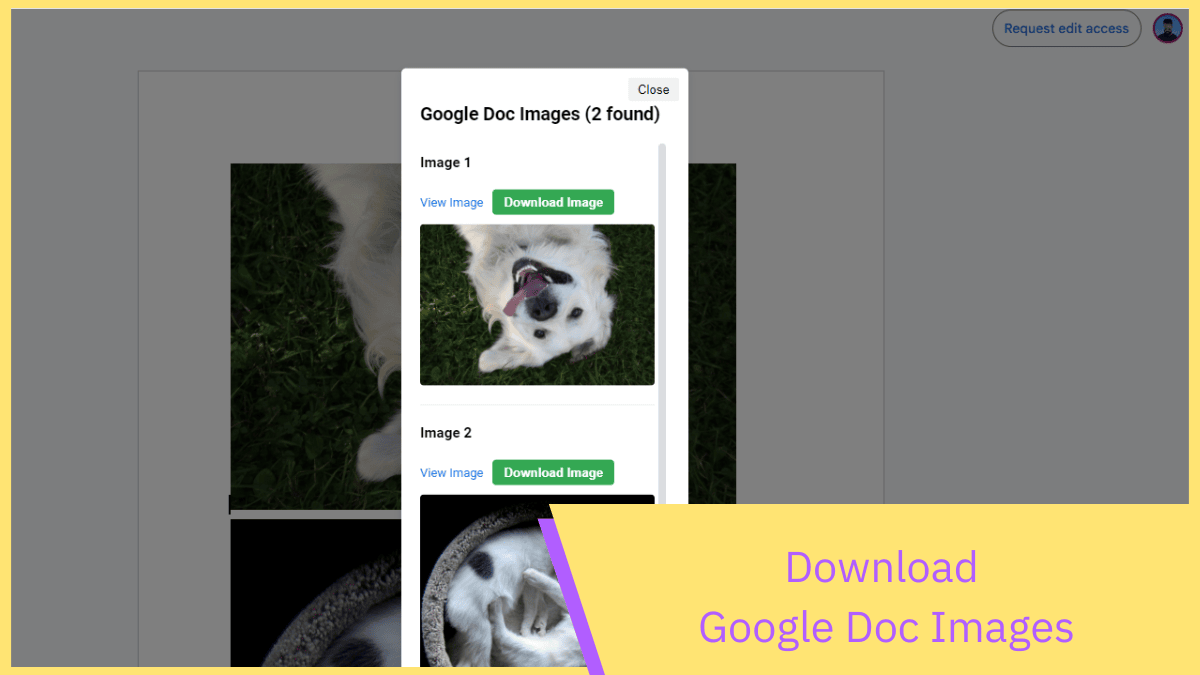
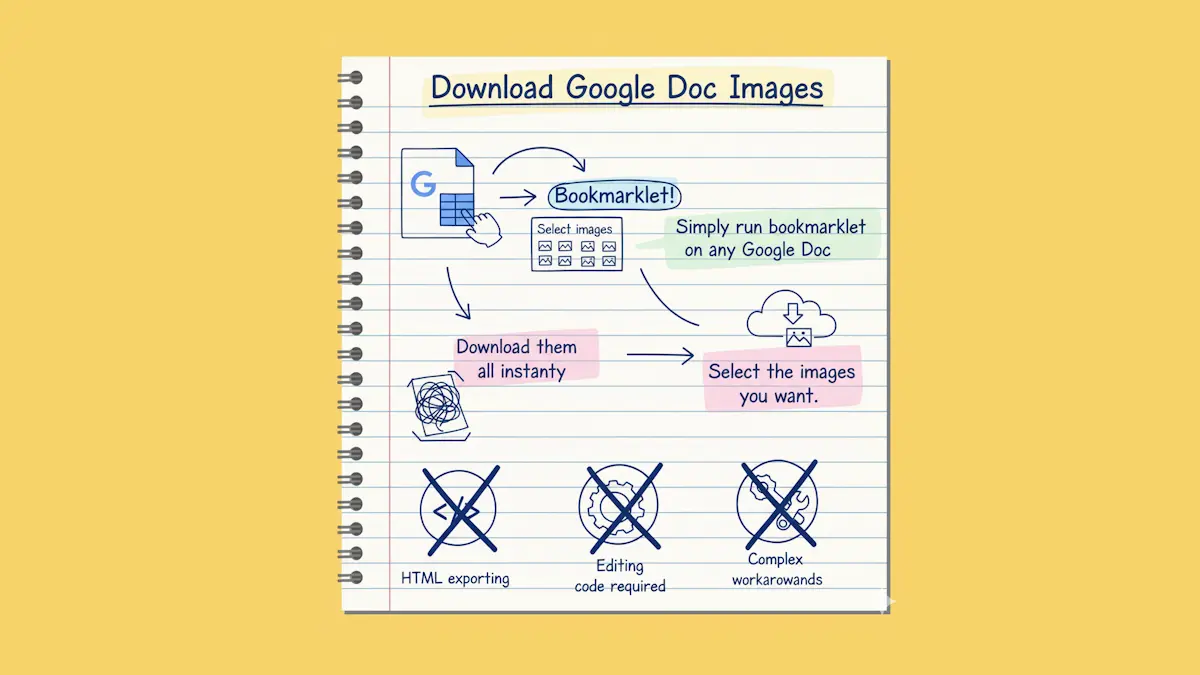
Our "Download Google Doc Images" tool eliminates the need for complex workarounds. Simply run the bookmarklet on any Google Doc, select the images you want or download them all instantly - no HTML exporting or editing code required. It's the fastest way to extract high-quality images directly from your Google Docs. No wasted time when you're dealing with research documents, design mockups, or image-heavy reports.
- ✓ No browser extensions or permissions needed
- ✓ Works on any Google Doc you can view
- ✓ Completely free
Designed for simplicity
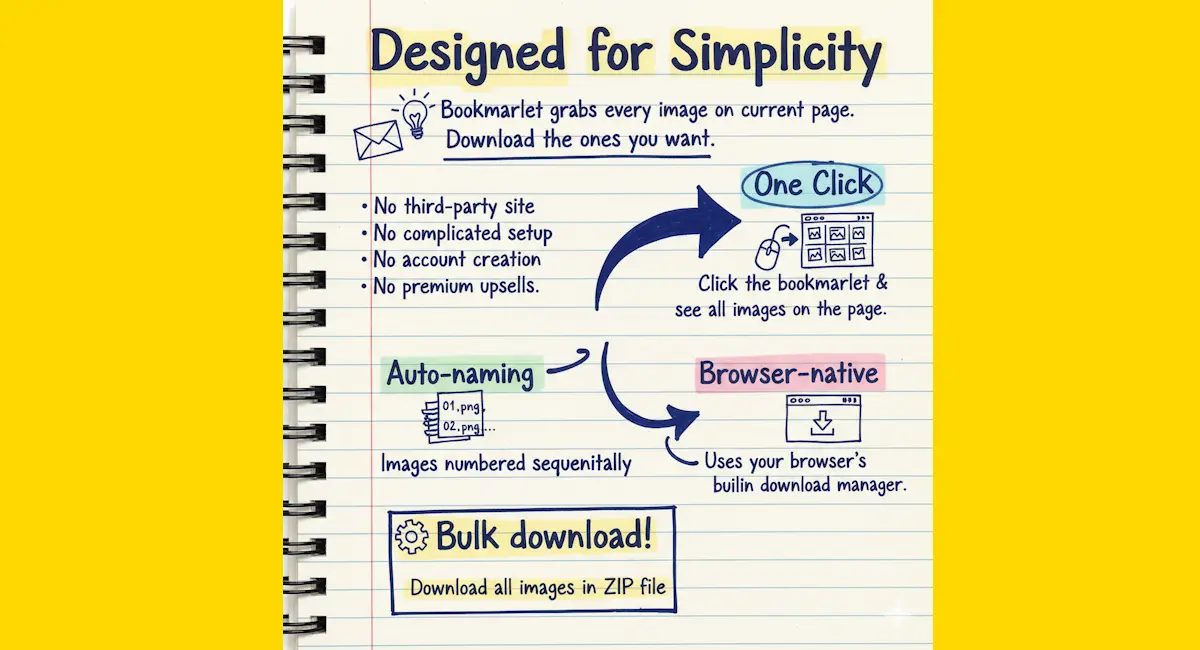
This bookmarklet does one thing really well: grabs every image on the current page and lets you download the ones you want. No need to visit any third-party site, no complicated setup, no account creation, no premium upsells.
- One click
- Click the bookmarklet and see all images on the page
- Auto-naming
- Images are numbered sequentially so you know which is which
- Browser-native
- Uses your browser's built-in download manager
- 📦 Bulk download
- Download all images in a ZIP file
Perfect for these situations
I built this because I kept finding myself in Google Docs with dozens of screenshots or reference images, and extracting them manually was driving me mad. Here's where it really helps.
- ✓ Research documents with multiple screenshots
- ✓ Design briefs with mockups and reference images
- ✓ Reports with charts and diagrams you need elsewhere
- ✓ Shared documents where you need local copies of images